Master Complex Systems with HASH: A Step-by-Step Simulation Guide
Introduction
Have you ever encountered a problem where the interactions between individual parts seem to defy simple math? For instance, you notice that adding a fifth employee to your warehouse actually slows down overall productivity—but you can’t pinpoint why with a basic equation. That’s when agent-based modeling comes to the rescue. HASH is a free, online platform designed exactly for these situations. It lets you simulate real-world systems by defining agents (like your workers) and their behaviors using JavaScript. Instead of guessing relationships, you can watch the system emerge from the ground up, test different rules, and discover optimizations you never imagined. This guide walks you through building your first simulation on HASH—no prior modeling experience required.
What You Need
- A computer with a modern web browser (Chrome, Firefox, Edge, or Safari)
- An internet connection
- A free account on hash.ai
- Basic familiarity with JavaScript (you don’t need to be an expert—just understand variables, functions, and loops)
- A clear problem you want to model (e.g., warehouse staffing, traffic flow, or customer queues)
Step-by-Step Guide
Step 1: Define Your Problem and Agents
Before opening any tool, get crystal clear on what you want to simulate. Write down the agents—the individual entities that will act in your model. For a warehouse, agents could be employees, loading docks, or product pallets. Also note the environment (floor space, shelves) and rules each agent follows (e.g., “if an employee is within 2 meters of another, they slow down”). This step is crucial because it determines everything you’ll program later.
Step 2: Sketch the Interactions
Draw a simple diagram showing how agents interact. Identify inputs (like number of employees) and outputs (like throughput per hour). Don’t worry about math—just capture the logic. For example: “When employee count ≤4, each worker moves independently. At 5+, workers bump into each other, causing delays that cancel out the fifth worker’s contribution.” This sketch becomes your blueprint for the simulation.
Step 3: Log into HASH and Create a New Project
Go to hash.ai and sign in. Click “New Simulation” or the “+” icon. Choose a blank project or a starter template. Name your project (e.g., “Warehouse Staffing Model”). You’ll be taken to the editor, which has three panes: the code editor, the simulation window, and the data explorer.
Step 4: Set Up the Environment
In the code editor, you’ll see a basic skeleton. Start by defining your globals and initial agents. For the warehouse, set up a 2D grid. Use JavaScript to create an array of employee agents, each with properties like {x: random, y: random, speed: 1, state: ‘moving’}. You can also initialize the environment with obstacles or zones. HASH provides built-in functions for random placement and grid setup.
Step 5: Write Agent Behaviors
This is where you bring your rules to life. Each agent can have a behavior function that runs every timestep. For example:
function behavior(agent, context) {
  if (context.neighbors.length > 2) {
    agent.speed = 0.5; // slow down when crowded
  } else {
    agent.speed = 1;
  }
  agent.x += agent.speed * Math.cos(agent.direction);
  agent.y += agent.speed * Math.sin(agent.direction);
}
Use HASH’s context API to access neighbors, environment data, and global variables. Test simple behaviors first, then layer complexity.

Step 6: Define Metrics and Data Collection
To measure your outputs (e.g., throughput), add a global behavior that records data at each timestep. For instance, log how many items employees successfully move to the shipping zone. Use HASH’s built-in dataset object to store arrays of numbers. You can later export this data or view live charts in the data explorer.
Step 7: Run the Simulation
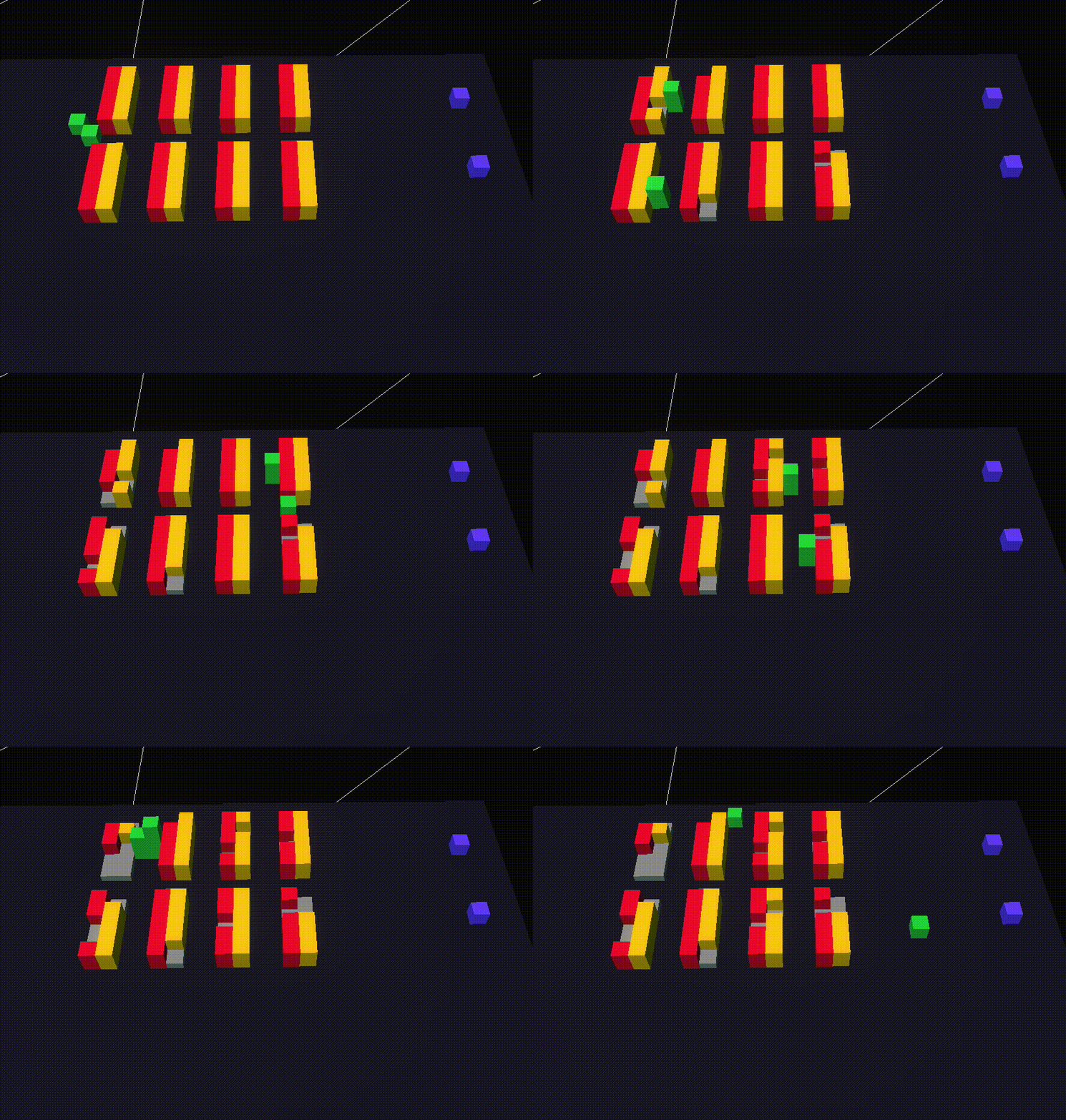
Click the “Run” button (play icon). Watch your agents move on the simulation window. The speed slider lets you speed up or pause. Observe if the emergent behavior matches your expectations. For the warehouse, does adding a fifth employee cause throughput to plateau or drop? The simulation gives you immediate visual feedback.
Step 8: Analyze and Iterate
After the run, examine the data in the explorer. Plot “employees” vs “throughput.” If you see the plateau, great—your model captures the real-world effect. Now experiment: change rules (e.g., give each worker a personal space radius), adjust parameters (e.g., floor size), or add new agents (e.g., a supervisor). Each tweak is a new simulation. Compare results using HASH’s experiment feature, which runs multiple scenarios automatically.
Tips for Effective Simulations
- Start simple. Begin with just two agents and one rule. Add complexity gradually—otherwise you’ll struggle to debug.
- Use random seeds. HASH allows you to fix random seeds so you can replicate runs exactly. This is invaluable when comparing scenarios.
- Validate against reality. If you have real data (e.g., actual warehouse logs), calibrate your model to match it. If not, sanity-check the outputs: do they feel plausible?
- Leverage community models. HASH has a gallery of public simulations. Fork one that’s similar to your problem and modify it.
- Document your assumptions. Write comments in your code explaining why you chose certain rules. This helps others (and future you) understand the model.
- Embrace failure. Your first simulation will probably have bugs. That’s okay—each bug teaches you something about the system you’re modeling.
By following these steps, you can harness HASH to explore complex systems that resist simple math. Whether you’re optimizing a warehouse, simulating disease spread, or modeling traffic, agent-based modeling turns your intuition into testable experiments. Start small, iterate often, and watch the world unfold in code.
Related Articles
- From Scratchy to Chic: A Technical Guide to Designing a Machine-Washable Jute-Like Rug
- Zhipu.AI Open-Sources Next-Gen AI Models, Claims 8x Speed Boost Over DeepSeek-R1
- 8 Key Facts About Kubernetes SELinux Volume Label Changes in v1.37
- Breaking: 'RuPaul's Drag Race All Stars 11' Premieres Tonight with 18 Queens, Three Brackets, and a Historic Two-Episode Debut
- How to Master AI-Assisted Coding: From Vibe Coding to Agentic Engineering
- Ubuntu Grants Users More Control with Enhanced App Permission Prompts
- APK Downloader 'apkeep' Reaches Version 1.0.0, Enabling Deeper Android App Security Research
- Your Guide to Safari Technology Preview 240: Update & Test New Features