Ubuntu 26.04 LTS 'Resolute Raccoon' Is Now Available for Upgrade: What You Need to Know
Upgrade Path from Ubuntu 25.10
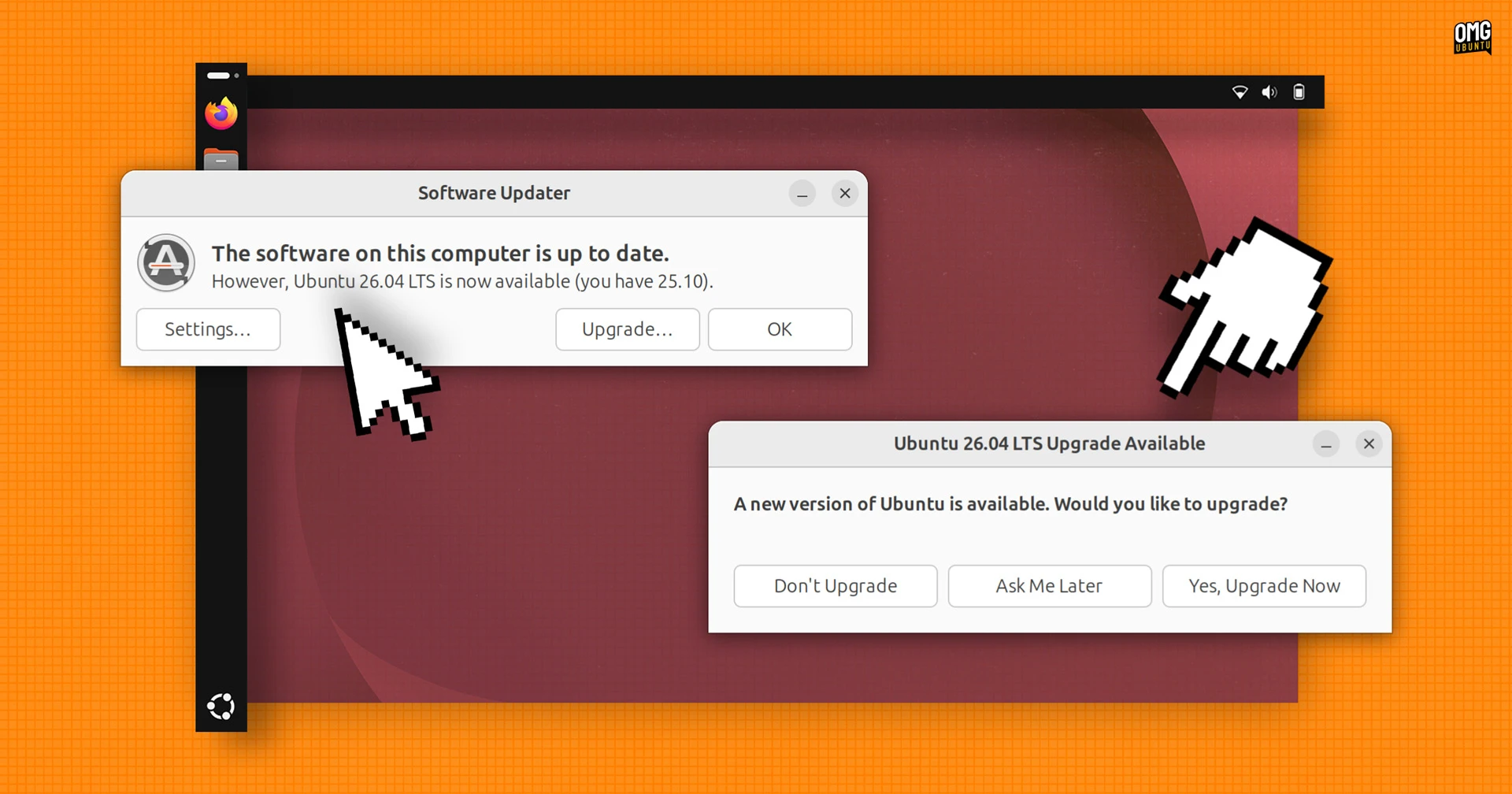
If you are currently running Ubuntu 25.10, the upgrade to Ubuntu 26.04 LTS (Long-Term Support) is now officially open. Canonical has enabled the upgrade path, allowing users to transition to the latest LTS release. It is strongly recommended to complete this upgrade before July, when support for Ubuntu 25.10 ends. After that date, your system will no longer receive security updates or critical patches, leaving it vulnerable.

Key Features in Ubuntu 26.04 LTS
Ubuntu 26.04 LTS, codenamed 'Resolute Raccoon', was released on 23 April. This version brings a host of new features, performance improvements, and updated software packages. Below we highlight the most significant changes.
GNOME 50 Desktop Environment
The default desktop environment has been upgraded to GNOME 50, which introduces a more polished and efficient user interface. Notable enhancements include refined animations, improved touchscreen support, and better integration with the Snap ecosystem. The Activities Overview has been enriched with direct Snap store integration and web search capabilities, making it easier to find applications and information without leaving the desktop.
Linux Kernel 7.0
Under the hood, Ubuntu 26.04 LTS ships with the Linux kernel 7.0. This kernel version offers better hardware support, especially for newer processors, GPUs, and wireless adapters. It also brings improvements in filesystem performance, power management, and security hardening. Users can expect smoother operation on both desktop and server environments.
New Default Applications
Several default applications have been replaced or updated to provide a more modern experience. For instance, the document viewer, calendar, and text editor now leverage the latest GNOME technologies. The new default apps are designed to be lighter, faster, and more integrated with the system's overall look and feel.
Enhanced Security and Developer Tools
Security has received a significant boost in 'Resolute Raccoon'. The new Security Center now includes an option to enable Ubuntu Pro—Canonical's expanded security maintenance subscription—directly from the interface. This feature makes it simple for users to access additional vulnerability patches and compliance tools.
Visual Password Feedback for Sudo
A small but welcome change: when you run sudo commands, you will now see visual feedback while typing your password. Instead of a blank prompt, asterisks or dots indicate each keystroke. This helps reduce typing errors without compromising security, as the actual characters are not displayed.
GPU Computing Made Easier
Developers and data scientists will appreciate that both NVIDIA CUDA and AMD ROCm are now available directly in the Ubuntu archives. This means you can install these GPU computing frameworks using the standard package manager, without adding third-party repositories or dealing with complex installation scripts. The process is streamlined: simply use apt to install the required packages and start building accelerated applications.
Visual and Usability Improvements
Ubuntu 26.04 LTS also introduces a refreshed set of folder icons throughout the system. These new icons follow a modern, clean design language that aligns with the GNOME 50 aesthetic. The change might seem minor, but it contributes to a more cohesive and pleasant user experience.
Additionally, the team has worked on various under-the-hood improvements that affect responsiveness and app loading times. The overall feel is snappier, and multitasking feels smoother due to optimizations in the compositor and memory management.
How to Upgrade to Ubuntu 26.04 LTS
To upgrade from Ubuntu 25.10, open the Software Updater tool or run the following command in a terminal:
sudo do-release-upgrade -dMake sure your system is fully updated before beginning the upgrade. It is also wise to back up important data. The upgrade process will take some time, depending on your internet speed and hardware. After completion, you will be running the latest LTS version.
If you prefer a fresh installation, you can download the Ubuntu 26.04 LTS ISO from the official website and create a bootable USB drive. This method is often recommended for users who want a clean start or who are dual-booting with other operating systems.
Conclusion
Ubuntu 26.04 LTS 'Resolute Raccoon' is a solid release packed with modern features, improved security, and better developer support. If you are on Ubuntu 25.10, upgrading sooner rather than later ensures you remain supported and can take advantage of everything the new LTS has to offer. With the July deadline approaching, now is the perfect time to make the move.
Related Articles
- Fedora Linux 44: What You Need to Know
- How to Upgrade to or Fresh Install Fedora Linux 44
- DDoS Attack Disrupts Ubuntu Services: What Users Need to Know
- Unveiling Latest Terraform Enhancements: Cost Insights, Project Controls, and More
- Linux Mint Releases Urgent HWE ISO Update for Latest Hardware Support
- Testing Sealed Bootable Container Images for Fedora Atomic Desktops
- Ubuntu's Official Flavours: Why Fewer Can Be Better
- Reviving the Spirit: 7 Fascinating Insights into the Unity Desktop's Modern Rebirth in Wayfire and Libadwaita